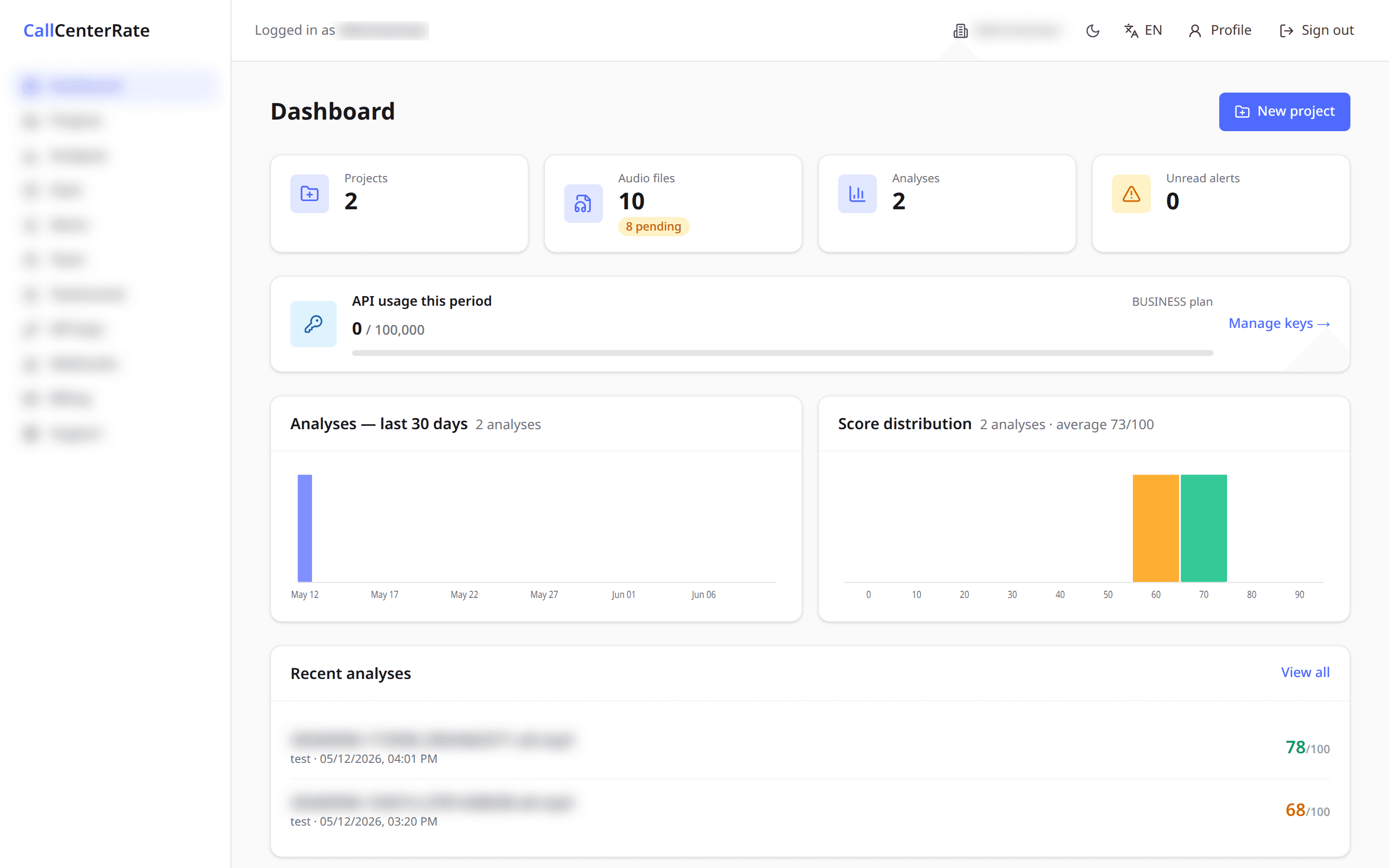
0+
minutes analyzed
0%
automated scoring accuracy
0%
less manual review time
Everything you need to scale call quality
Upload your quality script
Import your sales or quality guidelines in seconds.
Connect your recordings
Automatically receive calls from your telephony platform.
AI Quality Review
Every conversation is analyzed and scored automatically.
Smart Alerts
Get notified when quality drops below your standards.
Actionable Recommendations
Receive coaching recommendations for every call.
Secure by Design
Enterprise-grade security and encrypted storage.
How CCR works
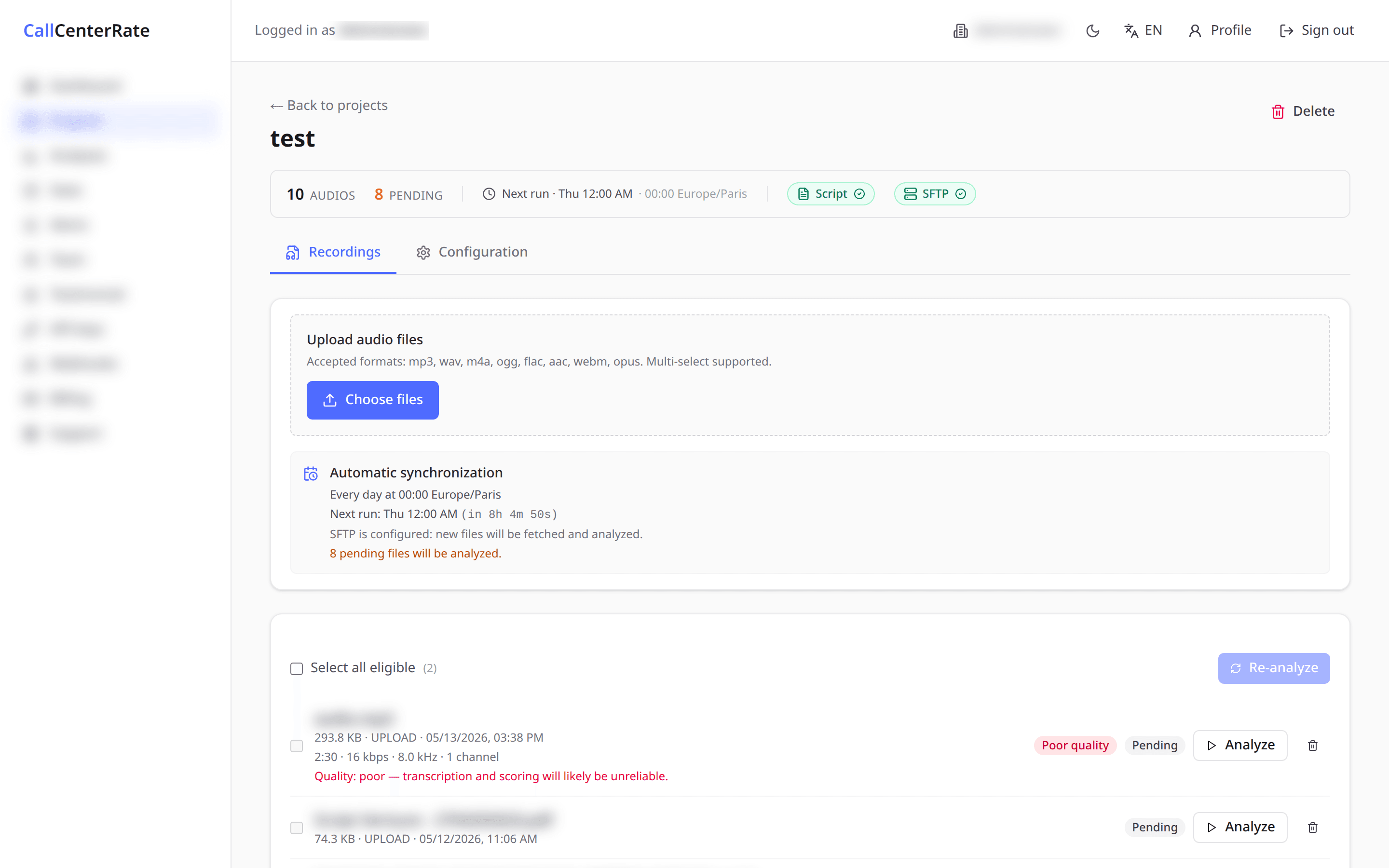
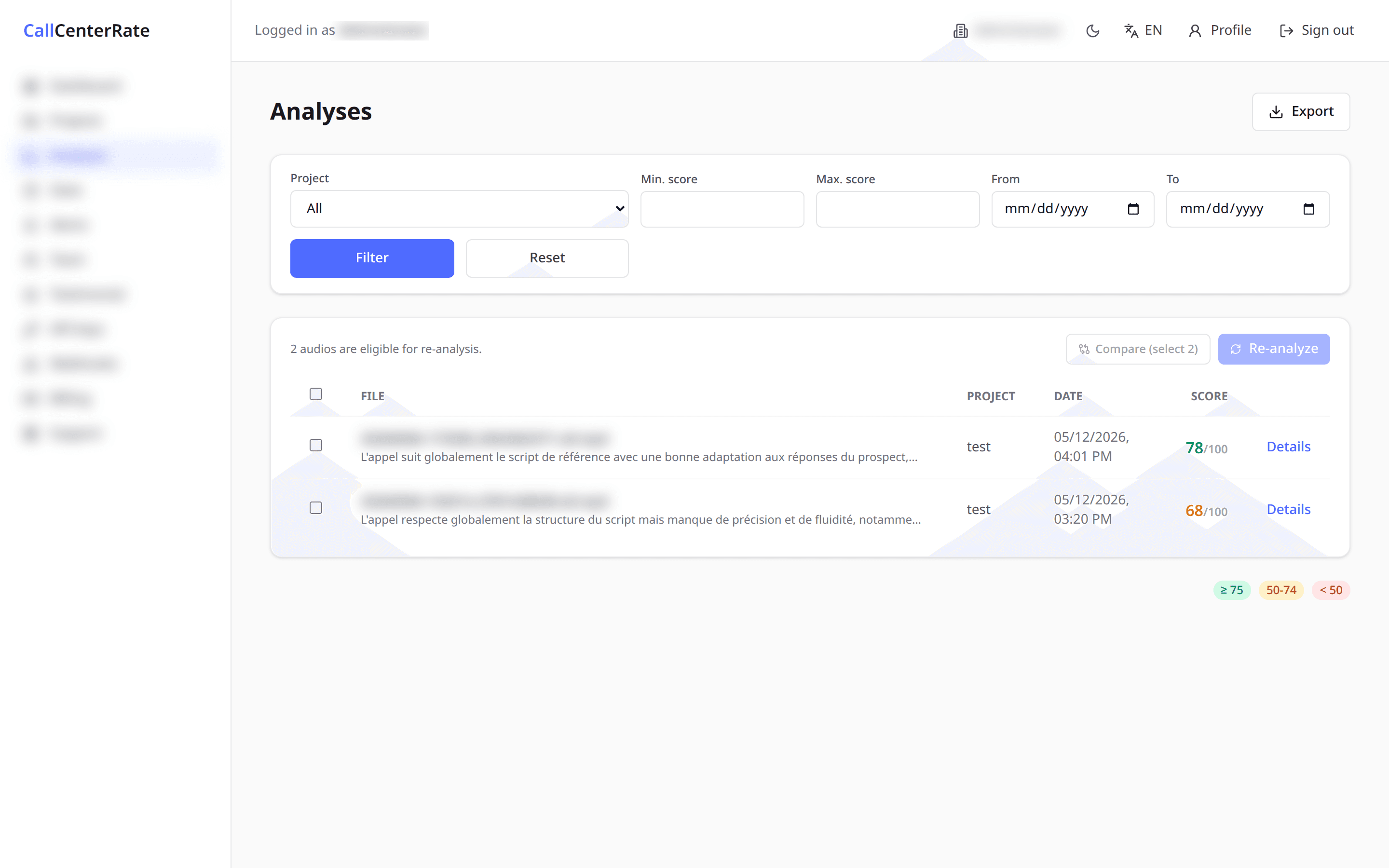
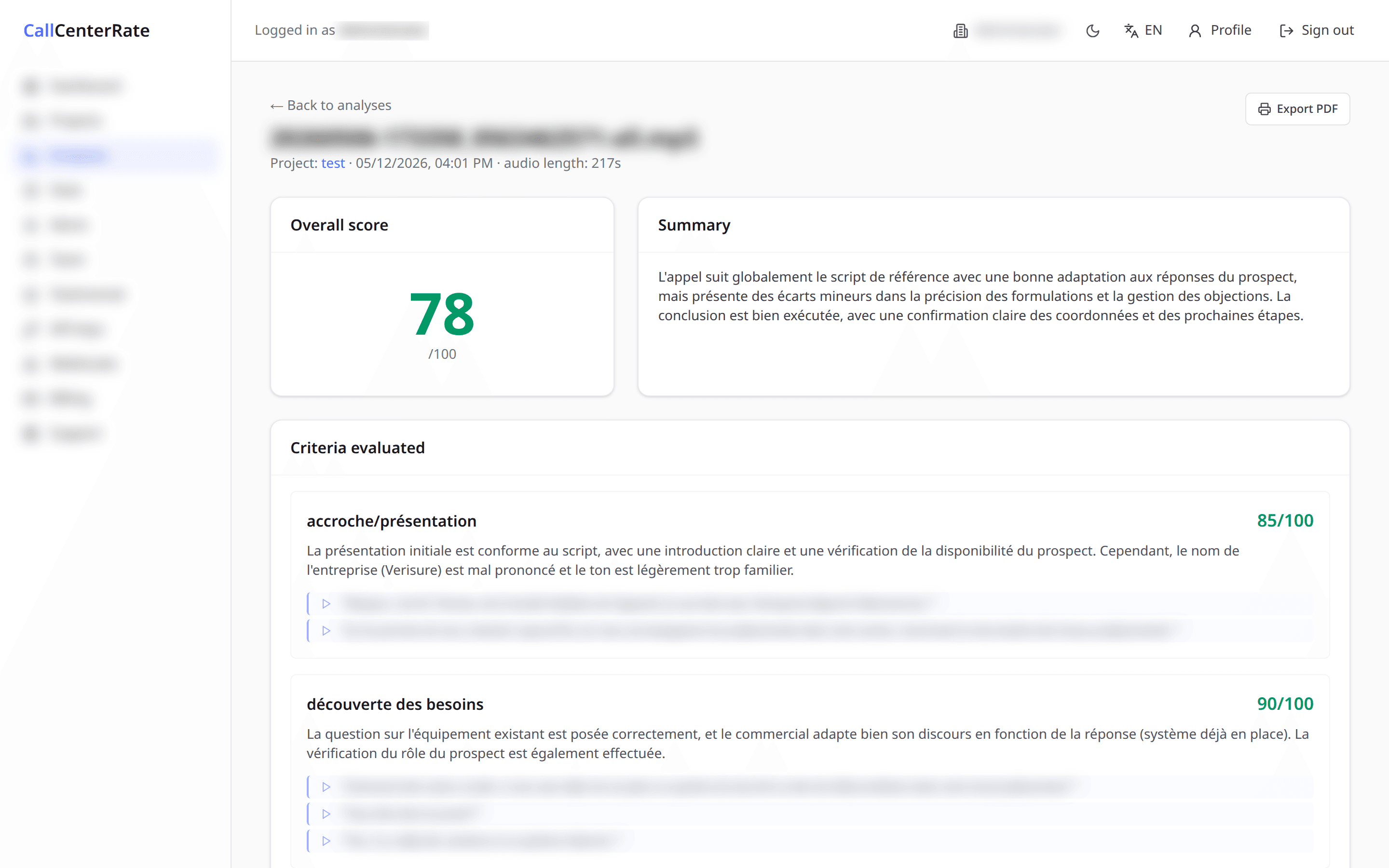
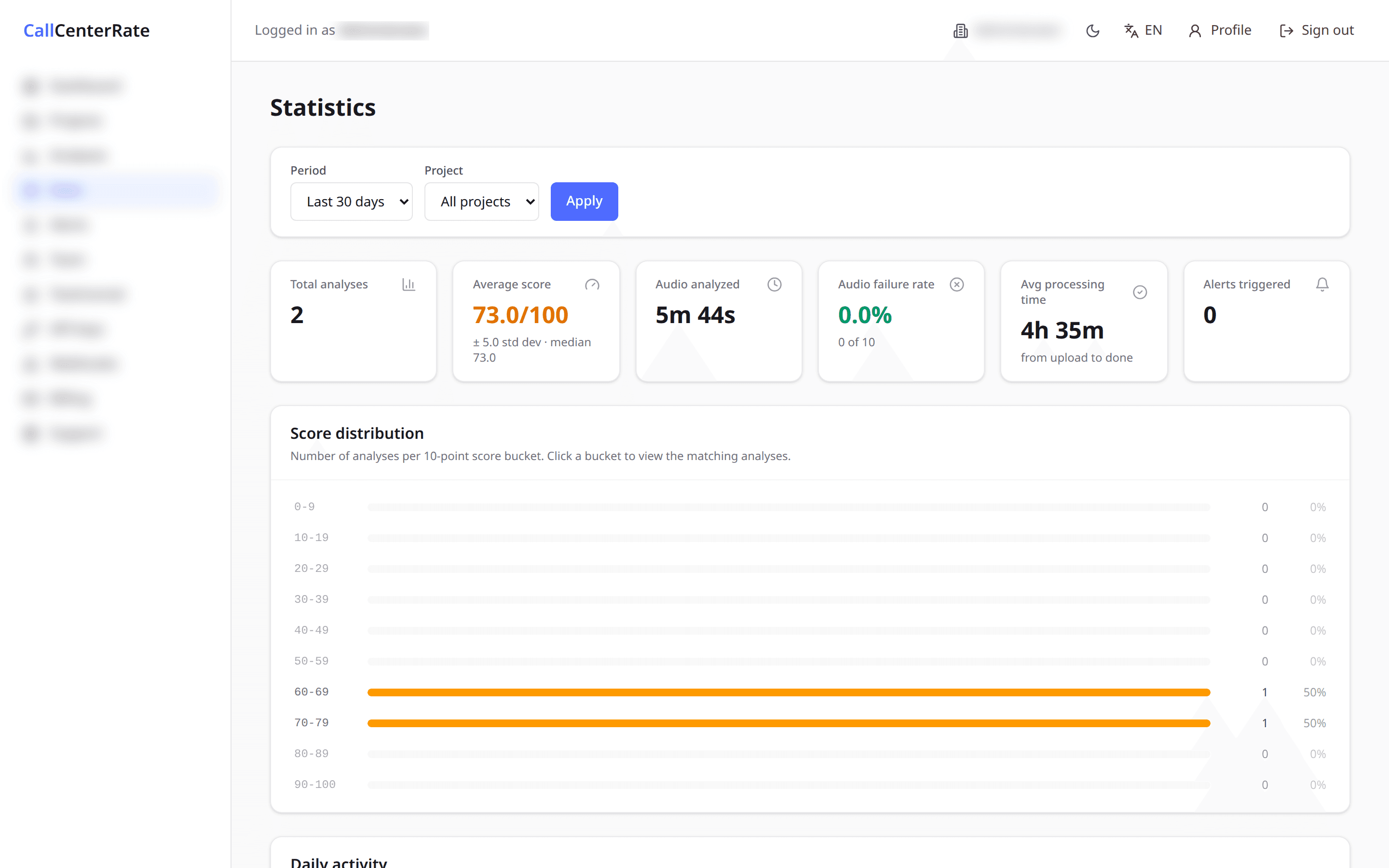
Stop wasting hours listening to calls manually.
Without CCR
- Random call reviews
- Limited visibility
- Inconsistent coaching
- Hours lost every week
With CCR
- Review 100% of conversations
- Detect issues instantly
- Improve coaching quality
- Save hours every week
Simple, transparent pricing
Pick the plan that fits your team. Upgrade any time, cancel any time.
Growth
For quality supervisors
Up to 2,500 minutes / month
- 1 team members
- 5 projects
- 1 ingestion connector(s) (SFTP/FTPS/FTP/Vicidial)
- 1 AI cross-call insight / month
- Daily / weekly / monthly email digest
- AI chat to question your calls
- Training docs to fine-tune AI scoring
- Talk-time & call dynamics on every analysis
- Full-text search across call transcripts
- Email support
Pro
For multi-project quality teams
Up to 10,000 minutes / month
- 10 team members
- 25 projects
- 3 ingestion connector(s) (SFTP/FTPS/FTP/Vicidial)
- 10,000 API calls / month · 1 API key
- 10 AI cross-call insights / month
- Daily / weekly / monthly email digest
- AI chat to question your calls
- Training docs to fine-tune AI scoring
- Talk-time & call dynamics on every analysis
- Full-text search across call transcripts
- Priority support
Enterprise
For large-scale contact centers
Up to 30,000 minutes / month
- Unlimited team members
- Unlimited projects
- Unlimited ingestion connectors (SFTP/FTPS/FTP/Vicidial)
- 100,000 API calls / month · 5 API keys
- 5 webhook endpoints
- 50 AI cross-call insights / month
- Daily / weekly / monthly email digest
- AI chat to question your calls
- Training docs to fine-tune AI scoring
- Talk-time & call dynamics on every analysis
- Full-text search across call transcripts
- Dedicated support
Frequently asked questions
How does CCR analyze calls?
CCR transcribes every call, then scores it with AI against your quality script — with an overall score, evidence excerpts and recommendations.
How do I connect my recordings?
Via direct upload, an SFTP connector, or an integration with your telephony platform — new calls are fetched automatically.
Can I connect my call center software?
Yes. CCR connects to dialers and telephony solutions (e.g. Vicidial) to ingest your recordings.
How accurate is the scoring?
Scoring relies on AI models evaluated against your script; you control the criteria and can review every justification.
Is my data secure?
Yes: encrypted storage, encrypted passwords (AES-GCM), per-account access and activity logging.
Can I export analyses?
Yes — export your analyses to CSV and access them via the API.